Home Resources Plan · Publish · Update
Resources for catalogs and digital publications Choose the right format, organize your content and make publications clear, readable and easy to maintain. Articles for shops, restaurants, businesses and creators.
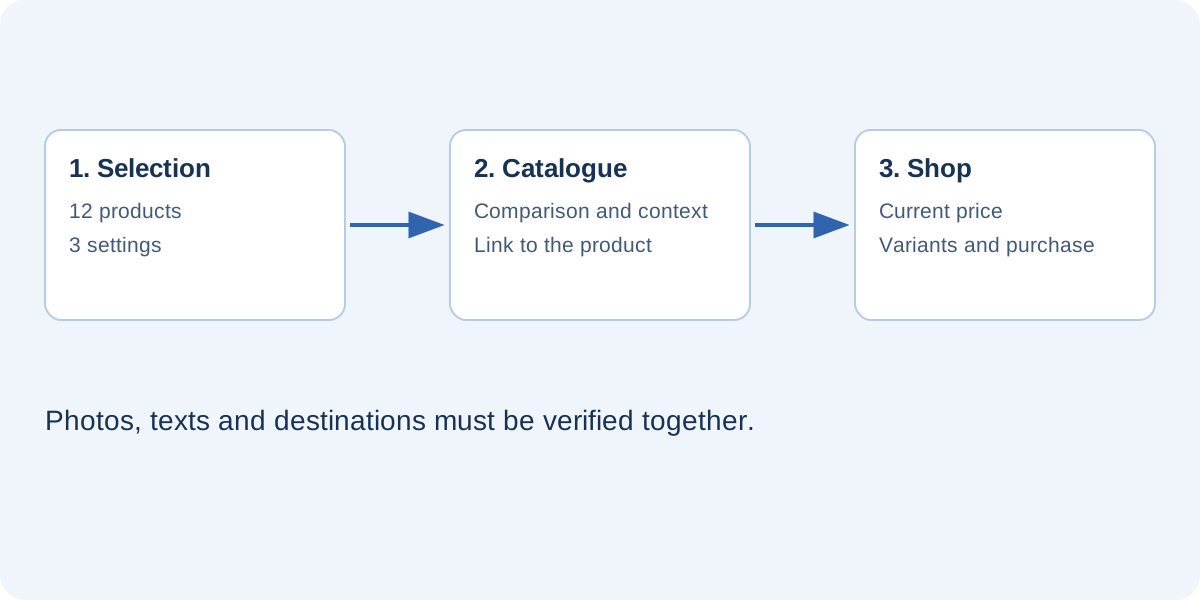
Catalogs, menus and commercial information Catalogs and sales Plan an online store’s catalog: select products, organize pages, link to the right destinations, manage prices and maintain the published edition.
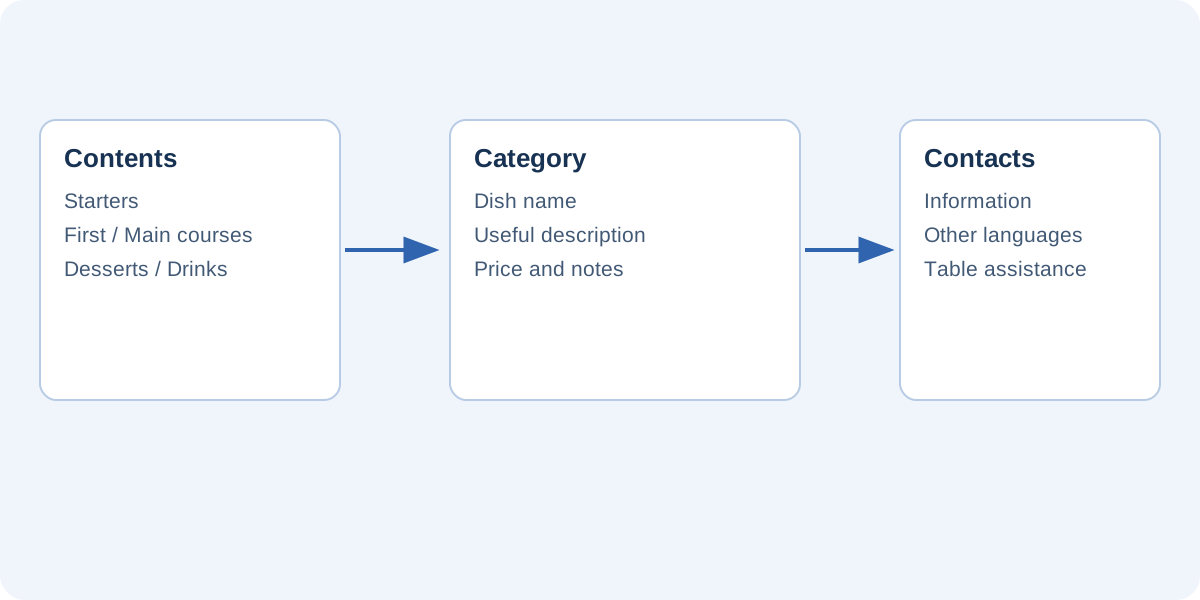
Read article · 5 min read Restaurants Organize a readable restaurant menu with clear categories, descriptions, prices, language editions, a manageable QR destination and an update process.
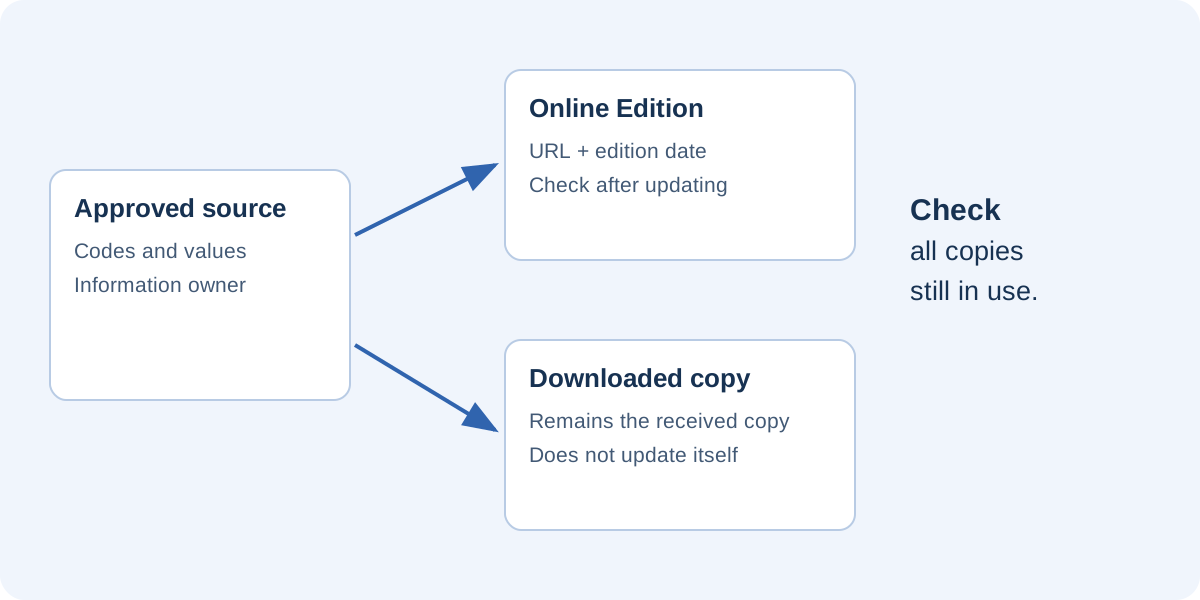
Read article · 5 min read Catalogs and sales Control B2B price-list editions with an approved data source, clear responsibilities, suitable distribution and checks of active copies.
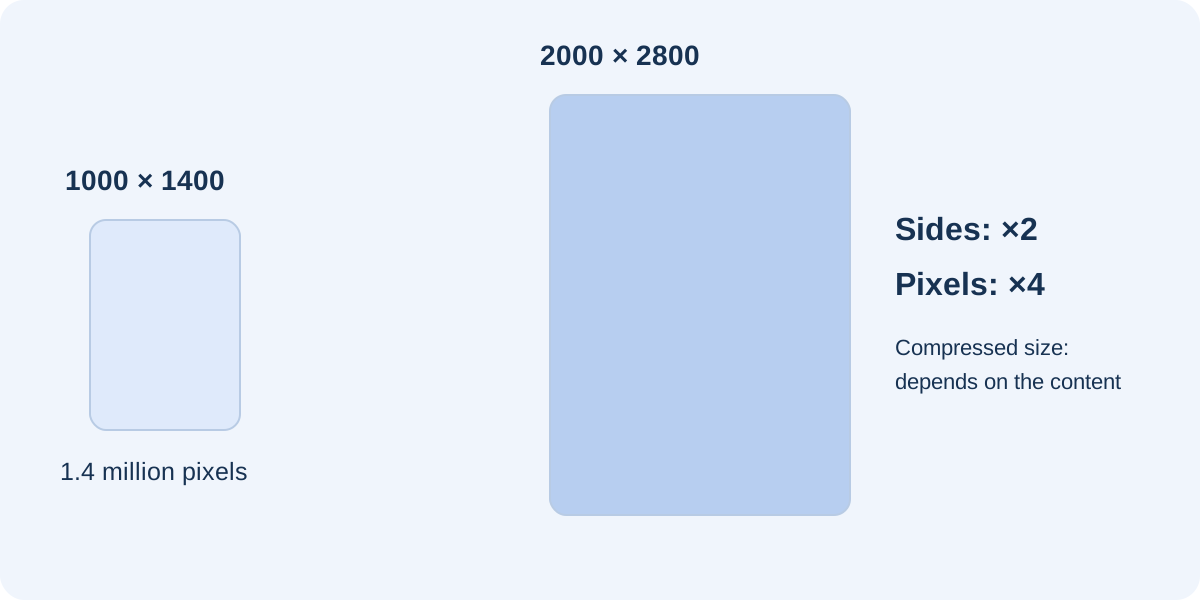
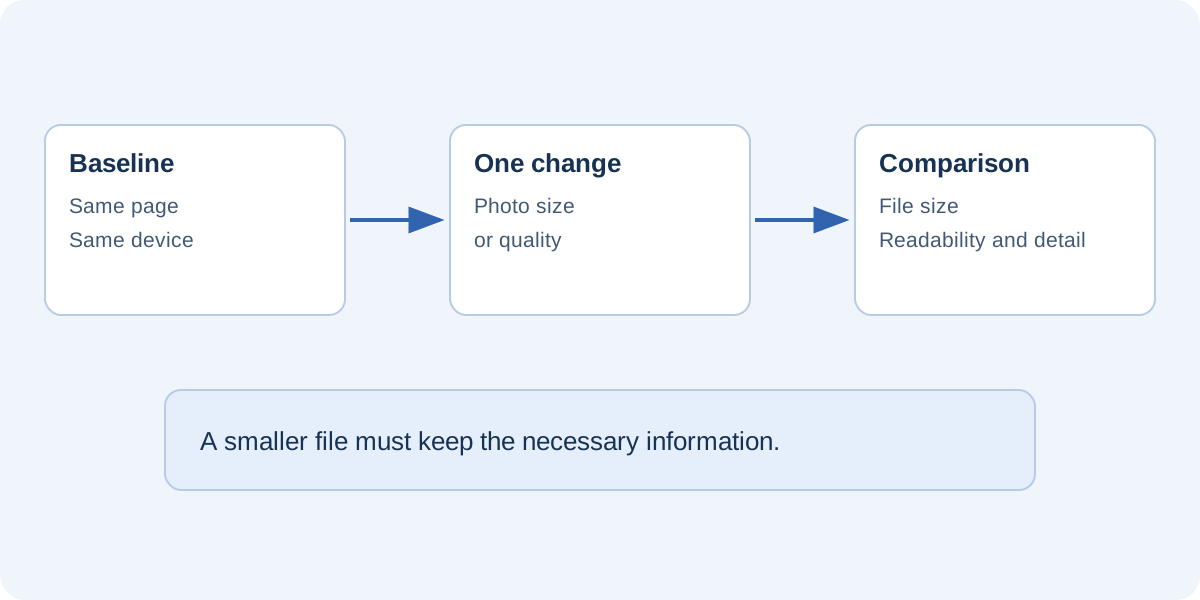
Read article · 5 min read Images and reading quality Design and images Understand pixels, proportions and DPI, then test page and image resolution without making the publication unnecessarily large.
Read article · 5 min read Design and images Select photographs that support product comparisons: consistent views, crops, captions, resolution, usage rights and checks of published entries.
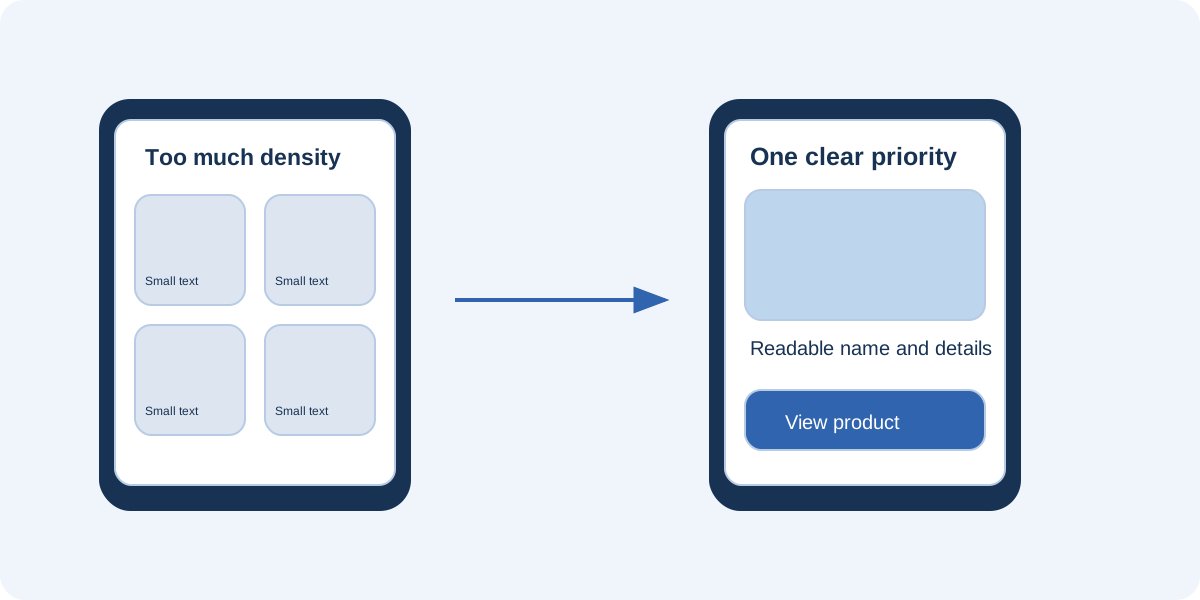
Read article · 5 min read Reading experience Plan product hierarchy, page density and buttons, then test a digital catalog on phones without requiring constant magnification.
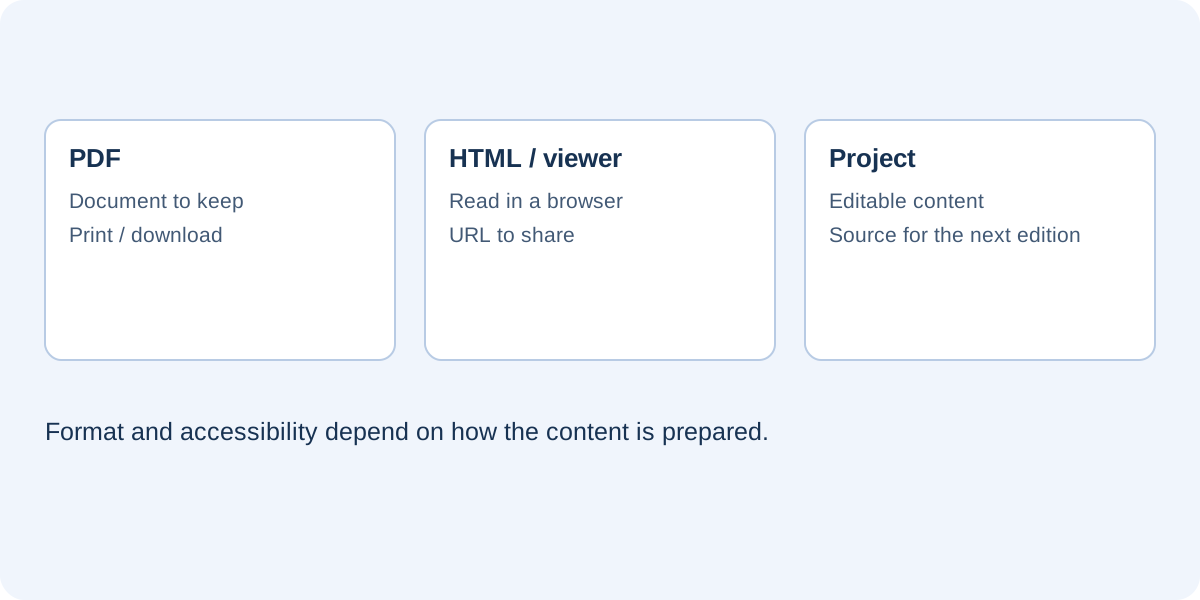
Read article · 5 min read Formats, accessibility and publishing Formats and distribution Compare PDF, HTML and flipbooks for reading, printing, accessibility, interactions and updates. Choose a format around the reader’s actual task.
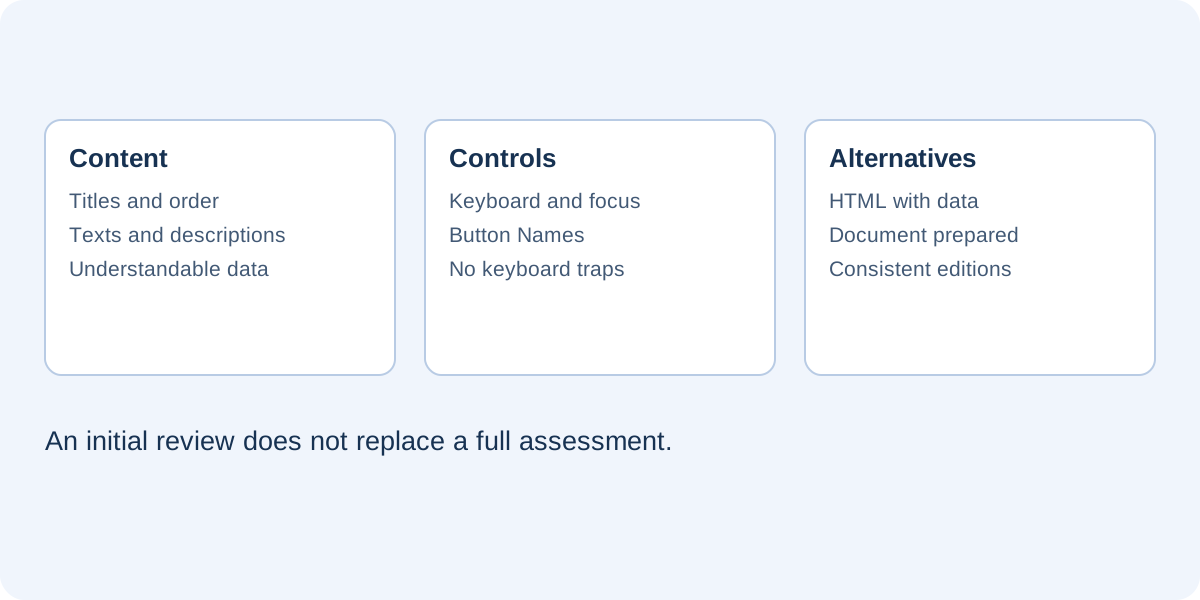
Read article · 5 min read Accessibility Initial checks for accessible brochures and catalogs: keyboard navigation, focus, text, images, video and equivalent alternatives to the viewer.
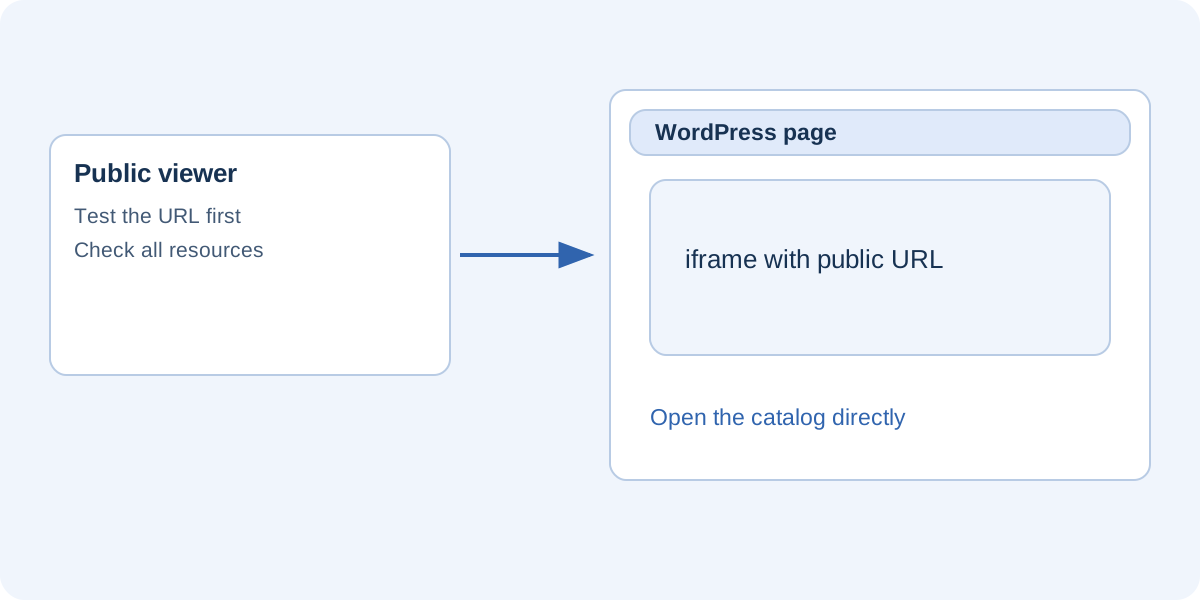
Read article · 5 min read Websites and publishing Publish a viewer before embedding it in WordPress. Check public URLs, iframe dimensions, permissions, phone layouts and common errors.
Read article · 5 min read Distribution and maintenance Performance Find heavy resources, compare versions and protect essential detail with a practical method for reducing catalog and brochure file sizes.
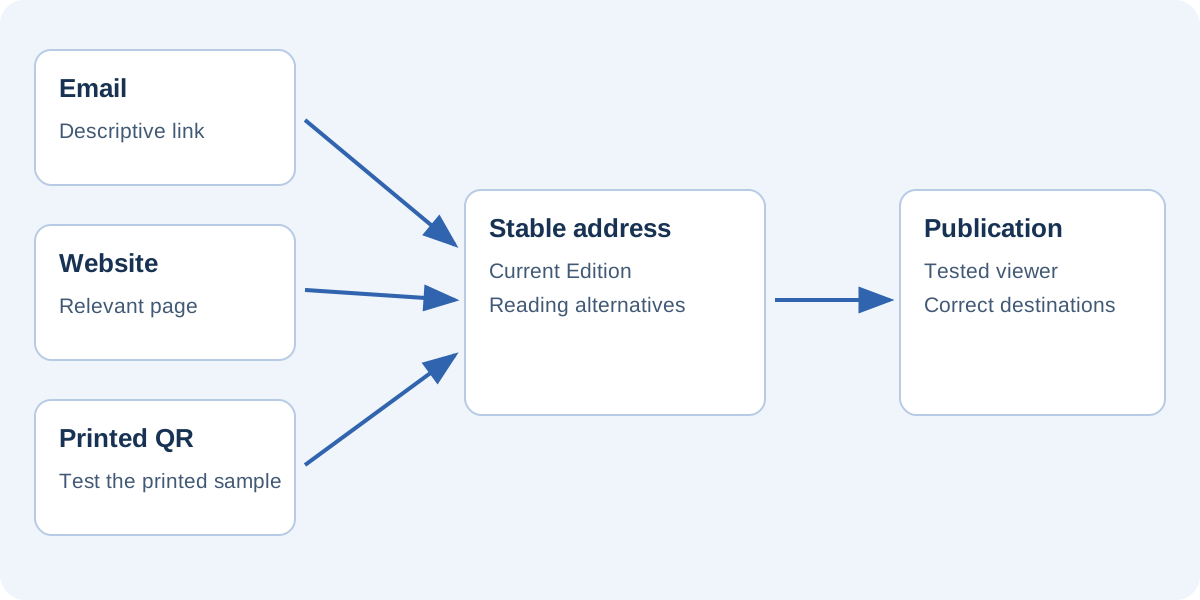
Read article · 5 min read Formats and distribution Choose links, introductory pages and QR codes for catalog distribution. Test the complete route and plan for updates and campaign expiry.
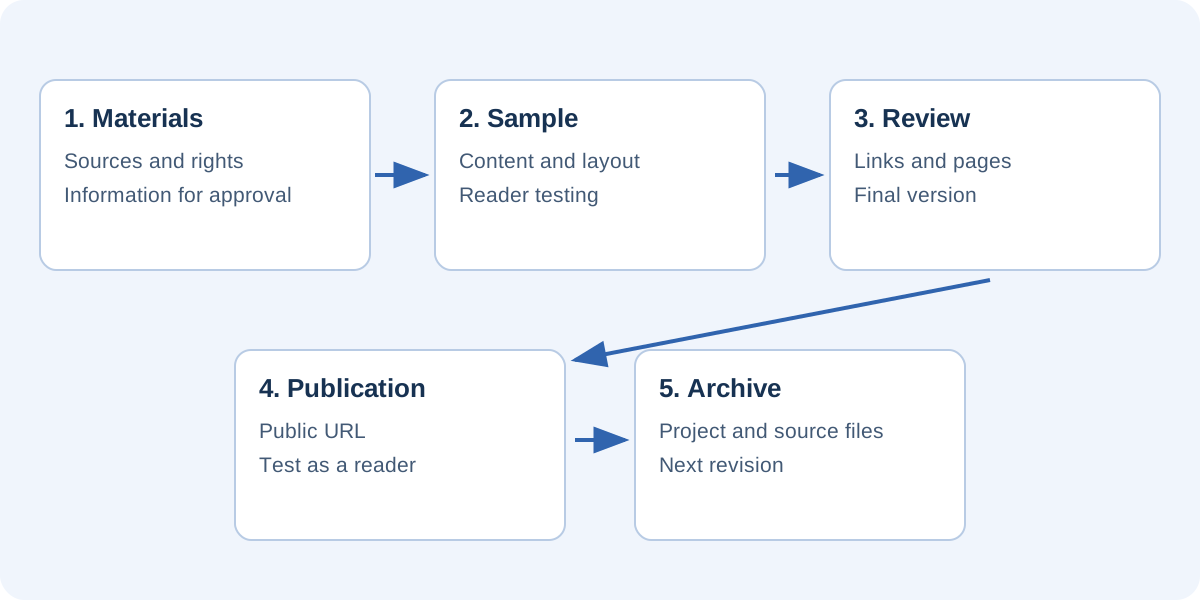
Read article · 5 min read Editorial workflow A repeatable process for catalogs and brochures: collect sources, approve samples, test interactions, publish and archive the editable edition.
Read article · 5 min read