Choose by the result you need
| Goal | Command | Output |
|---|---|---|
| Resume editing | Project → Save Project | A .pdfinflip to open with Open Project. |
| One viewer file | Save Flipbook → HTML file | Generated HTML with incorporated resources. |
| Self-hosted folder | Save Flipbook → ZIP website package | index.html, pages/ and lib/ to extract and upload together. |
| Public link | Save Flipbook → Publish Online | URL of the hosted viewer. |
| Print/download PDF | Keep your source PDF | The Save Flipbook dialog does not export a new PDF. |
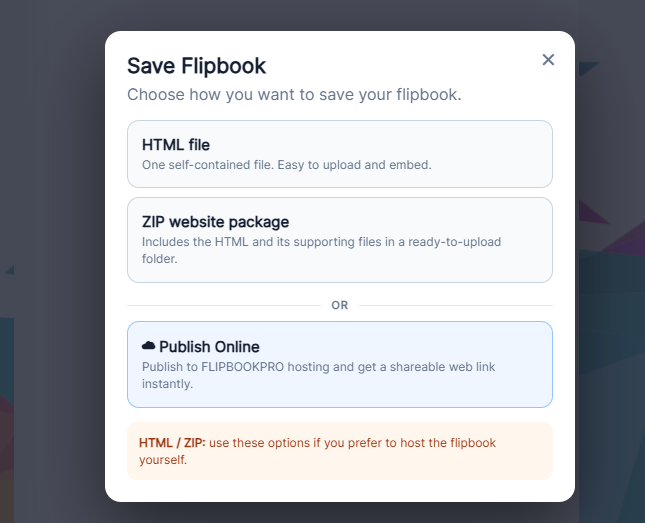
Save before exporting
- Keep the .pdfinflip as your editable copy. Exported HTML is not its replacement.
- For email/messaging send a hosted URL; an HTML attachment is not a public webpage.
- With FREE and more than 20 pages, read the limit dialog before continuing.
- Check the final output, especially last page and links.
Offer the original PDF separately
Upload your source PDF separately if readers need to print or download it. Add its link beside the viewer, and update both editions when prices change. Rasterized flipbook pages are not the original PDF’s selectable and editable text.